Why new feedback portals struggle with the cold-start problem
A new feature request portal has a paradox: you need content to attract submissions, but the first content you add can shape what people ask for. Early posts become default choices, votes cluster around what’s visible, and your “demand” data starts reflecting your seeding decisions rather than customer reality.
This cold-start problem shows up in two ways:
- Discovery bias: users vote on what they see first, not what they want most.
- Framing bias: the wording of seeded ideas nudges customers toward specific solutions instead of underlying needs.
The goal isn’t to avoid seeding entirely. It’s to seed in a way that helps customers participate quickly while keeping demand signals as clean and interpretable as possible.
What “biased demand signals” look like in practice
Before designing a cure, it helps to name the failure modes you’re trying to avoid:
- The top-of-list effect: the first 5–10 items accumulate votes disproportionately, even if they’re not the best representation of needs.
- Internal roadmap leakage: the portal becomes a public mirror of what you already plan to build, and customers “validate” it because it’s what’s offered.
- Duplicate inflation: similar requests split votes across multiple entries, making real demand look weaker.
- Segment mismatch: your loudest segment dominates early voting, and quieter high-value segments never catch up.
These problems can’t be solved by better analytics alone. They require intentional setup and operating rules.
A practical cold-start cure that preserves signal quality
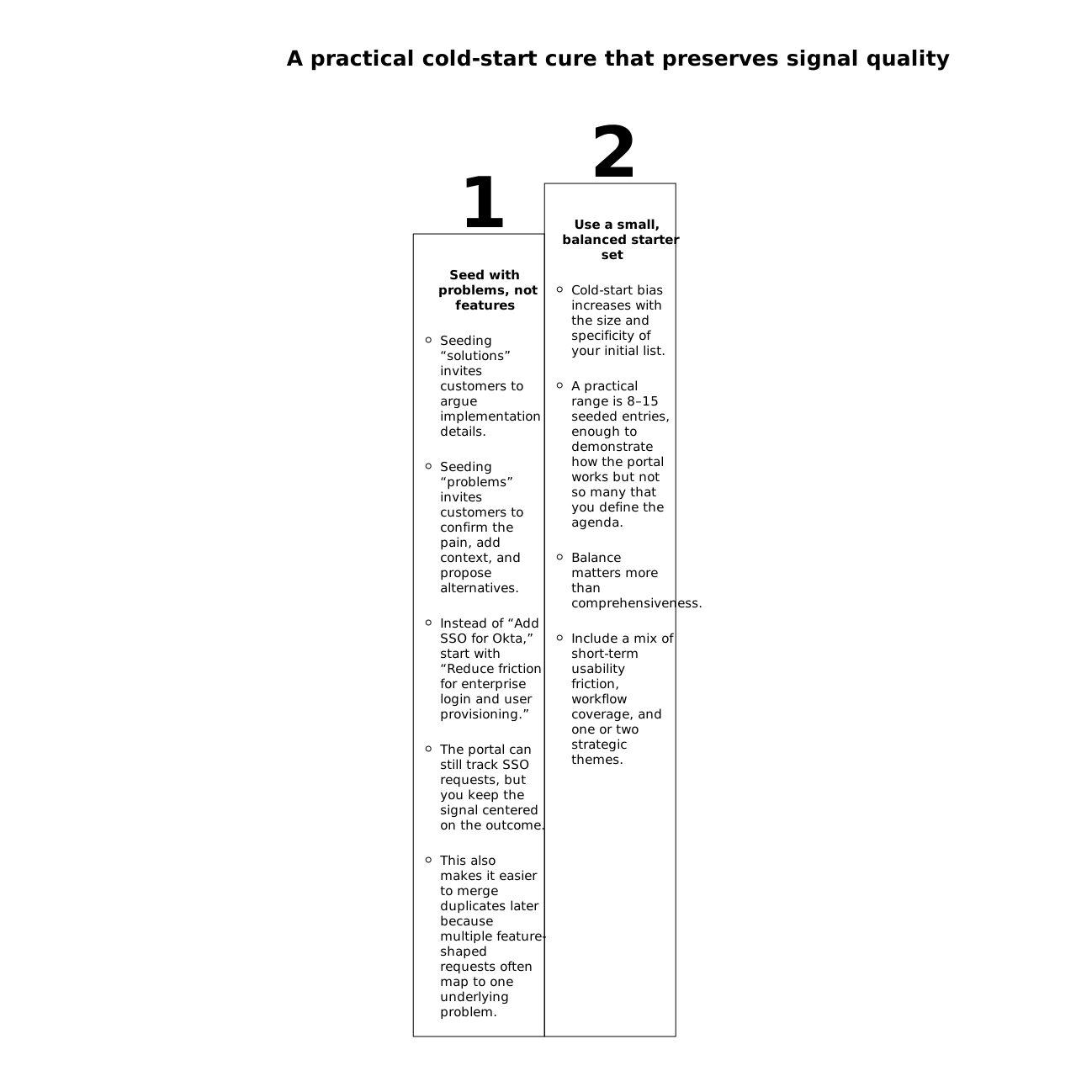
1) Seed with problems, not features
Seeding “solutions” invites customers to argue implementation details. Seeding “problems” invites customers to confirm the pain, add context, and propose alternatives. Instead of “Add SSO for Okta,” start with “Reduce friction for enterprise login and user provisioning.” The portal can still track SSO requests, but you keep the signal centered on the outcome.
This also makes it easier to merge duplicates later because multiple feature-shaped requests often map to one underlying problem.
2) Use a small, balanced starter set
Cold-start bias increases with the size and specificity of your initial list. A practical range is 8–15 seeded entries, enough to demonstrate how the portal works but not so many that you define the agenda.
Balance matters more than comprehensiveness. Include a mix of:
- Short-term usability friction (high-frequency, low-risk)
- Workflow coverage (onboarding, reporting, integrations, admin)
- One or two strategic themes (but avoid turning the portal into your roadmap)
If you already have internal ideas, don’t publish them all at once. Treat seeding as a sampling strategy, not a dump of your backlog.
3) Build one canonical entry per theme, then merge aggressively
Early duplicates are poison for signal quality. The portal should quickly converge toward canonical entries with clean vote counts and clear context.
That requires two operating habits:
- Fast deduplication: merge near-identical requests before they accumulate separate votes.
- Theme discipline: resist creating new entries for every variation; add variations as comments or captured use cases.
This is also where platforms like canny.io are useful as a reference point, since deduplication and organization are central to keeping the dataset interpretable as volume grows.
4) Control ranking and visibility during the first weeks
Most portals default to “most votes” or “trending.” That’s exactly what amplifies early bias. For the first 2–4 weeks, consider:
- Rotating featured items that represent different categories (not the same theme repeatedly)
- Category-first navigation so users browse by area instead of a single global list
- Recently updated as a default sort, which reduces the winner-take-all dynamic
This isn’t about hiding popularity forever. It’s about giving the portal time to collect enough breadth that “most voted” becomes meaningful.
5) Add structured context fields to prevent solution-lock
When customers submit free-form requests, they often propose a feature rather than describe a need. Light structure helps preserve signal quality without making submission feel like a form.
Useful prompts include:
- What are you trying to accomplish? (job-to-be-done)
- What happens today? (current workflow)
- How often does this occur? (frequency)
- Who is affected? (role/team)
These fields make later triage faster and reduce the risk that votes reflect “I like this idea” rather than “I have this problem.”
6) Treat early intake like a triage system, not a suggestion box
Cold-start portals tend to accumulate stale posts if there’s no operational cadence. Customers then stop contributing because nothing appears to happen.
Define an explicit early-stage decision rhythm. You don’t need heavy process; you need consistency:
- Review new posts daily or every other day
- Merge duplicates quickly
- Ask clarifying questions while the submitter is engaged
- Label status clearly (under review, planned, in progress, done)
If your team struggles to keep pace, a lightweight triage commitment can help. The same idea is applied in this internal playbook on triage SLAs for 24-hour issue decisions, and the principle carries well to feedback portals: quick initial decisions keep queues healthy.
7) Seed from multiple channels, but normalize the source
Portals work best when they represent reality across support, sales, onboarding, and product—not just whoever visits the portal. Bring in requests from:
- Support tickets and live chat
- Sales calls and QBR notes
- Onboarding sessions
- Community threads
The key is normalization: the canonical entry should look the same regardless of source, with source details captured as internal notes. Otherwise, support-driven phrasing dominates and shapes what future customers submit.
For teams pulling themes from sales conversations, it also helps to keep your CRM data clean so you can segment feedback by account type, ARR, or lifecycle stage. This is the same data hygiene problem covered in a field-level CRM sync checklist.
How to measure whether your signals are still “clean”
You can’t eliminate bias entirely, but you can detect when it’s dominating:
- Vote concentration: if the top 3 posts hold an extreme share of votes early, ranking effects may be overpowering.
- Duplicate rate: high duplicates suggest your taxonomy and canonicalization need work.
- Segment coverage: compare requests by plan tier, company size, or persona. If only one segment participates, broaden collection channels.
- Comment-to-vote ratio: if votes rise but context is thin, add prompts and follow-up questions.
Over time, the healthiest portals show steady creation of new themes, consistent merging, and a distribution of participation across segments—not just a single runaway thread.
Operational defaults that keep the portal useful after launch
Once you’ve passed the cold-start phase, keep a few defaults in place so the portal remains a decision tool rather than a popularity contest:
- One theme, one canonical record (merge relentlessly)
- Status transparency with brief rationale when possible
- Regular request grooming to update titles and summaries as understanding improves
- Segment-aware prioritization so “most votes” is interpreted alongside revenue impact and customer fit
When executed well, seeding isn’t a distortion—it’s a scaffold. Customers get a clear place to contribute, and your product team gets demand signals that remain interpretable as volume scales.
Frequently Asked Questions
How can Canny help reduce early vote bias in a new portal?
Canny helps by centralizing requests, supporting deduplication and categorization, and letting teams manage visibility and statuses so early posts don’t permanently dominate demand signals.
Should we import our roadmap into Canny when launching a feature request portal?
In Canny, it’s usually better to start with a small, balanced set of problem-focused entries rather than publishing your full roadmap, so customer demand isn’t anchored to what you already plan.
What’s the best way to handle duplicates in Canny during the first month?
Create a canonical entry per theme and merge similar requests quickly, adding variations as context instead of splitting votes across multiple items.
How do we seed feedback in Canny without pushing customers toward specific solutions?
Seed with outcome statements and pain points (the “why”) and collect structured context such as frequency, affected role, and current workflow, so users validate needs rather than implementations.
Can Canny combine feedback from support and sales without breaking the demand signal?
Yes. The key is to normalize language into consistent canonical entries while keeping source details as internal notes, so support phrasing or sales wording doesn’t skew what later users submit.